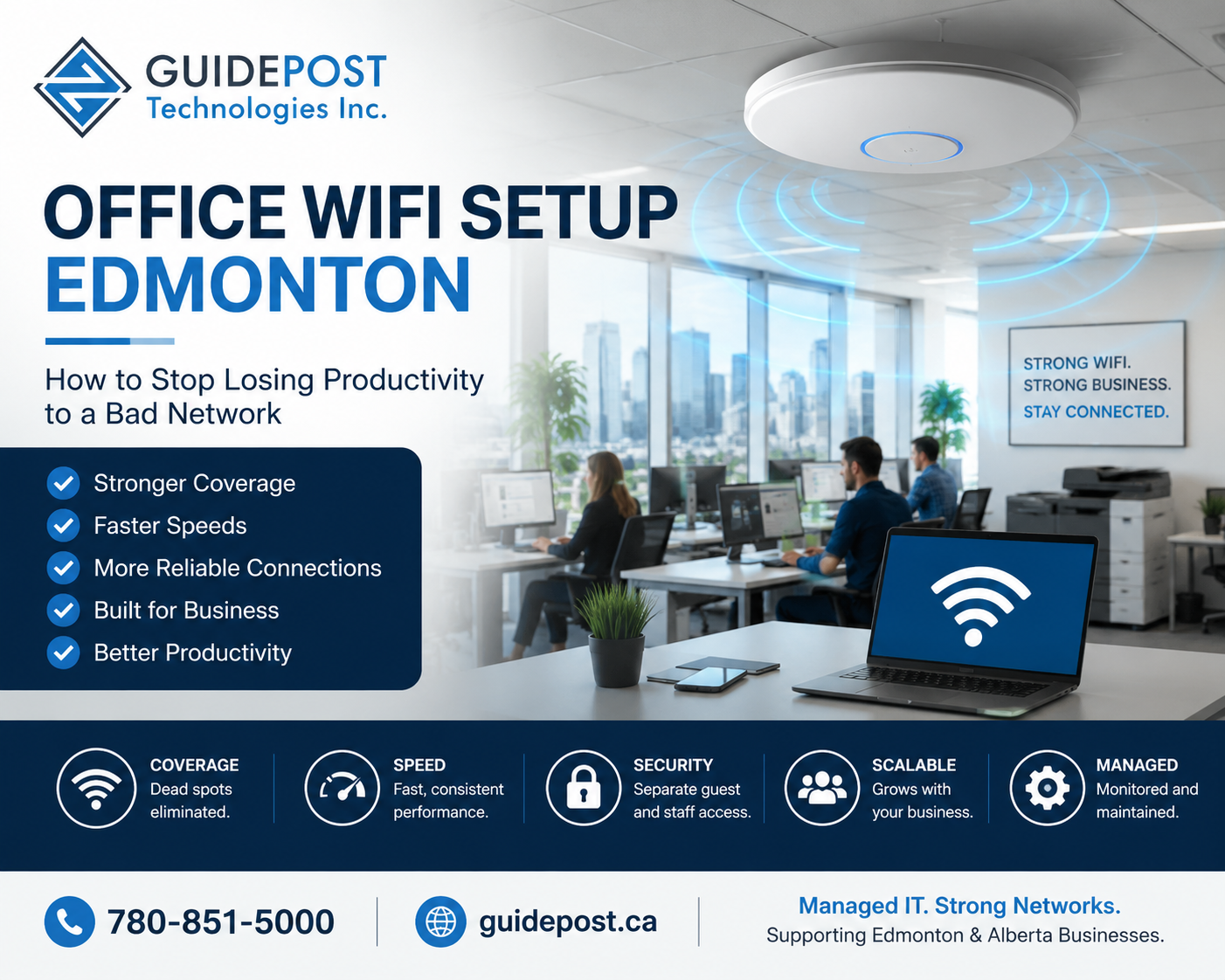
Poor office WiFi setup is costing Edmonton businesses more productivity than most owners realize. If your employees regularly complain about slow internet, dropped connections, or WiFi that doesn’t reach certain parts of the office, the problem is almost certainly your office WiFi setup — not your internet plan.
Office WiFi setup for Edmonton businesses gets done once, never revisited, and gradually becomes a bottleneck as the business grows. This post breaks down what proper business WiFi looks like, what causes the most common problems, and what to expect from a proper wireless network installation.
Why Your Office WiFi Setup Is Probably the Problem
Most business owners call their ISP when WiFi is slow. In most cases, however, the ISP isn’t the problem. The internet connection coming into the building is fine. The issue is how your office WiFi setup distributes that connection across the space.
Common culprits include a single consumer-grade router trying to cover an entire office floor, access points placed in the wrong locations relative to where people work, and too many devices competing for the same wireless channels. Additionally, no separation between staff and guest traffic creates both security and performance problems — something we covered in our VLANs guide. Furthermore, aging access points that don’t support current WiFi standards limit speed regardless of how fast your internet plan is.
The fix for these problems is network design and hardware placement — not a faster internet plan. According to Cisco’s small business networking resources, proper access point placement and channel planning make a dramatic difference in real-world performance.
What Business Office WiFi Setup Actually Needs to Do
Consumer WiFi routers are not designed for business environments. The differences matter significantly.
Concurrent device support — A household WiFi router handles 20-30 devices without issue. However, an office with 20 employees, each with a laptop, phone, and possibly a tablet, plus shared printers, cameras, and smart devices, can easily exceed 80 active devices. Business-grade access points handle high device density in a way that consumer gear simply cannot.
Consistent coverage — Business environments need reliable coverage across the entire space. Consequently, proper office WiFi setup requires access point placement based on a wireless survey of the space, not guesswork.
Seamless roaming — In a multi-floor or multi-building environment, employees need to move between areas without their devices constantly reconnecting. Enterprise WiFi systems handle this through centralized management and proper overlap between access points.
Network segmentation — A proper office WiFi setup separates staff, guest, and IoT device traffic onto different networks. This is both a security requirement and a performance improvement, as we covered in our VLANs and network segmentation guide.
Centralized management — Business WiFi systems provide a management interface showing which devices are connected, how bandwidth is being used, and allowing configuration changes across all access points from one place.
Common Office WiFi Problems Edmonton Businesses Face
Why Is Office WiFi So Slow?
Speed issues usually result from one or more causes: too many devices on a single access point, outdated access points that don’t support faster WiFi standards, or interference from neighbouring wireless networks on the same channel. Excessive bandwidth consumption by a small number of devices — video calls and large file transfers — can also saturate a network when traffic isn’t properly managed.
WiFi Works on Phone but Not Laptop
This specific symptom usually points to a driver issue on the laptop or a compatibility problem between the laptop’s wireless adapter and the access point’s configuration. It can also indicate that the laptop connects to a 2.4GHz network while the phone connects to the 5GHz band, which reveals a coverage gap in the 5GHz deployment.
Office Computers Randomly Disconnect
Random disconnections most commonly result from DHCP lease issues, access points with aggressive client-steering settings that force devices to switch access points too frequently, or hardware issues with aging access points.
Can’t Access Shared Files on WiFi
This is typically a network routing issue — the WiFi network and the wired network where file servers or SharePoint live aren’t properly connected at the router/firewall level.
What Proper Office WiFi Setup Looks Like for Edmonton Businesses
A proper office WiFi setup for an Edmonton business involves several steps a quality network installer works through systematically.
Site survey — First, the installer assesses the physical space, identifies interference sources, and determines optimal access point placement before any hardware is installed. This eliminates the guesswork that causes coverage gaps.
Hardware selection — Next comes choosing access points appropriate for the space size, device density, and specific requirements. Outdoor coverage, warehouse environments, and multi-floor buildings each have different needs.
Structured cabling — Business-grade access points mount to ceilings or walls and connect via ethernet cable (PoE — Power over Ethernet), not power outlets. Consequently, the cabling infrastructure needs to be in place first.
SSID and VLAN configuration — The installer sets up separate wireless networks for staff, guests, and IoT devices, each mapped to the appropriate VLAN as discussed in our network segmentation guide.
Channel planning — Access points get configured to use non-overlapping channels to minimize interference between them, which is particularly important in multi-access-point deployments.
Testing and validation — Finally, the installer walks the space with a device to verify coverage, test roaming between access points, and confirm each SSID reaches all intended areas.
WiFi Standards Edmonton Businesses Should Know About
WiFi technology has evolved significantly, and the standard your access points support affects both speed and reliability.
WiFi 5 (802.11ac) — The previous generation, still widely deployed and functional for most business environments. Real-world performance typically runs in the hundreds of megabits range.
WiFi 6 (802.11ax) — The current standard, with better performance in high-density environments, improved battery efficiency for client devices, and support for newer security protocols. New installations should use WiFi 6 access points.
WiFi 6E — An extension of WiFi 6 that adds the 6GHz frequency band, providing additional capacity in very dense environments. Worth considering for high-density offices.
For most Edmonton SMBs, WiFi 6 access points represent the right balance of performance and cost for new installations or upgrades.
Frequently Asked Questions
Why is my office WiFi so slow even with fast internet? Fast internet coming into the building doesn’t guarantee fast WiFi. The office WiFi setup distributing that connection — access point placement, hardware quality, channel configuration, and device density — is almost always the bottleneck when WiFi feels slow despite an adequate internet plan.
How do I set up a proper office network in Edmonton? Start with a site survey to understand the space, then select and properly position business-grade access points, configure network segmentation with separate SSIDs for staff and guests, and ensure the underlying cabling infrastructure supports the installation.
How many access points do I need for my office? It depends on space size, construction materials, device count, and coverage requirements. As a general guide, plan for one access point per 1,000–2,000 square feet in a standard office. A proper site survey is the only reliable way to determine the right number for a specific space.
Should I use the router my ISP gave me? For a very small office with a handful of devices, an ISP-provided router is usually adequate. For a business with more than 5-10 employees or a space larger than a single room, ISP-provided equipment is almost never sufficient — it lacks the device density support and reliability a business environment requires.
WiFi works on my phone but not my laptop — what’s wrong? Usually a driver issue on the laptop, or the laptop is connecting to the slower 2.4GHz band while your phone connects to 5GHz. Your IT provider can diagnose this quickly with a wireless analysis of your environment.
GuidePost Can Help
GuidePost Technologies designs and installs office WiFi networks for Edmonton and Sherwood Park businesses — including site surveys, access point selection and placement, VLAN configuration, and structured cabling as part of our network installation services.
We’ve set up networks for First Nations organizations across rural Alberta, multi-building commercial environments, and standard office spaces in the Edmonton area.
Explore our Network Installation Services →
Call us at 780-851-5000 to book a free network assessment for your Edmonton business.
GuidePost Technologies — Managed IT Services, Cybersecurity, Cloud Computing, and Network Support for Edmonton and Alberta Businesses.
Great content! Keep up the good work!