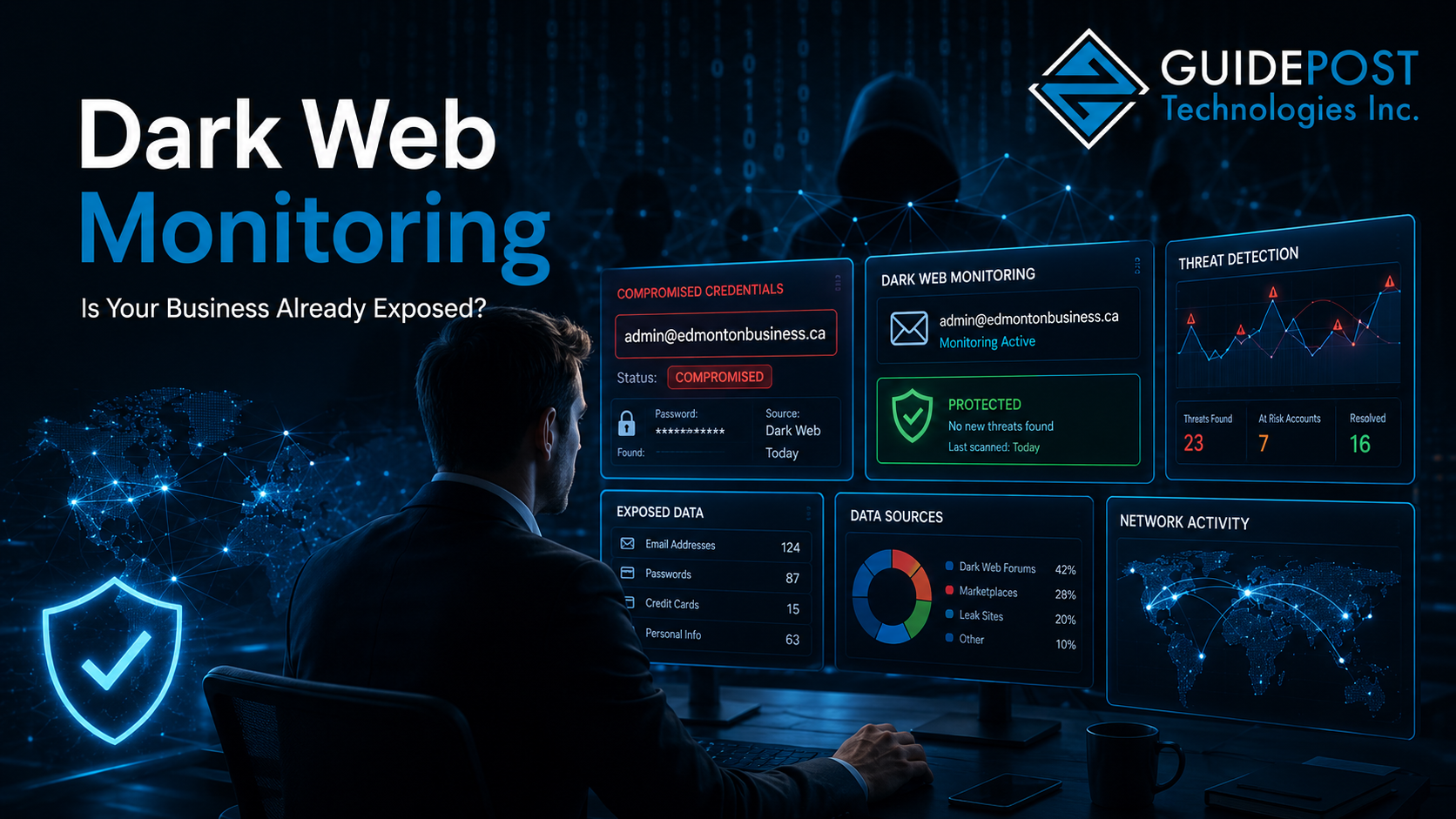
Right now, your business email address and possibly your employees’ passwords may be sitting on a dark web forum — available for purchase by anyone willing to pay for them. The breach that put them there may have happened years ago. You probably have no idea.
Dark web monitoring for Edmonton businesses is one of the most underused security tools available, despite being one of the most practical. Unlike most cybersecurity measures that focus on preventing attacks, dark web monitoring tells you when your credentials have already been compromised — giving you the opportunity to act before an attacker does. This post explains what the dark web actually is, how your business data ends up there, and what Edmonton businesses should do about it.
What Is the Dark Web and Why Should Edmonton Businesses Care?
The dark web is a part of the internet that isn’t indexed by standard search engines and requires specific software to access. While it has legitimate uses, it’s also where stolen data gets bought and sold — including usernames, passwords, credit card numbers, and business credentials stolen in data breaches.
Every time a company gets breached — a software vendor, a bank, a retail platform, a healthcare provider, any service your employees have accounts with — the stolen data eventually ends up for sale on dark web marketplaces. If an employee used the same password for their work Microsoft 365 account and the service that got breached, that password is now in the hands of whoever bought the data.
This is not a hypothetical. According to the Canadian Centre for Cyber Security, credential theft through third-party breaches is one of the primary attack vectors against Canadian businesses. The breaches we’ve covered previously — ransomware deployments, account takeovers, business email compromise — frequently start with credentials purchased from exactly these sources.
How Your Edmonton Business Data Ends Up on the Dark Web
Your business doesn’t have to be breached directly for your data to appear on the dark web. Here’s how it typically happens:
Third-party service breaches — An employee creates an account with a vendor, software tool, or online service using their work email and a password they also use elsewhere. That service gets breached. The employee’s email and password combination now exist in a breach database that gets sold on the dark web.
Phishing attacks — As we covered in our phishing attacks guide, employees clicking malicious links and entering credentials on fake login pages directly hands those credentials to attackers. Those credentials often get added to dark web databases.
Malware on endpoints — Malware installed on an employee’s device can silently harvest stored passwords and credentials, which then get exfiltrated and sold.
Credential stuffing lists — Attackers compile massive lists of email/password combinations from multiple breaches and sell them as “combo lists.” Your employees’ credentials may appear in these lists even if none of the breaches were of services you use directly.
The concerning reality is that most businesses have no visibility into any of this unless they’re actively monitoring for it.
What Dark Web Monitoring Actually Does
Dark web monitoring services continuously scan dark web forums, marketplaces, and breach databases for your business’s email domains, specific email addresses, and associated credentials. When a match is found, you get an alert — telling you which account was exposed and often which breach it came from.
This gives you the ability to:
- Force a password reset on the compromised account before an attacker uses the credentials
- Identify which employees have been reusing passwords across personal and work accounts
- Understand the scope of your credential exposure across your organization
- Trigger MFA enforcement on accounts that were exposed
Without dark web monitoring, you find out about credential exposure one of two ways: either your IT provider notices suspicious login activity after the fact, or you discover it during incident response after something has already gone wrong. As we covered in our VPN security guide, compromised credentials are particularly dangerous for remote access — an attacker with valid VPN credentials looks like a legitimate user.
What Dark Web Monitoring Finds in Practice
When GuidePost runs dark web scans for new Edmonton clients, the results are consistently surprising. Typical findings include:
Multiple exposed email addresses — Most businesses with 15+ employees have at least several email addresses appearing in breach databases, often from breaches of common services like LinkedIn, Adobe, Dropbox, or smaller platforms employees may not even remember having accounts with.
Exposed credentials that are still active — In many cases, the passwords found in breach databases are still the current passwords for work accounts — meaning the window of exposure is still open at the time of discovery.
Credentials from former employees — Email addresses belonging to people who left the company years ago still appearing in breach databases, sometimes associated with passwords that were also used on internal systems before proper offboarding.
Executive account exposure — Leadership email addresses appearing in breach databases create elevated risk because those accounts typically have broader access and are high-value targets for business email compromise.
Dark Web Monitoring for Regulated Industries in Alberta
For Edmonton businesses operating in regulated industries, dark web credential exposure creates specific compliance concerns beyond the immediate security risk.
Healthcare — Alberta’s Health Information Act requires custodians of health information to protect that information from unauthorized access. If a healthcare employee’s credentials are exposed and used to access systems containing patient records, the organization faces both a security incident and a potential HIA breach.
Legal — Law firms have strict confidentiality obligations. Compromised credentials providing access to client files create professional liability exposure in addition to the security risk.
First Nations organizations — As we’ve discussed in our work with First Nations clients across Alberta, these organizations handle significant community data under both PIPA and FOIP. Credential exposure affecting systems containing community member records requires prompt response.
Any business under PIPA — If exposed credentials are used to access systems containing personal information, the resulting breach may trigger mandatory notification to affected individuals and reporting to the Office of the Information and Privacy Commissioner of Alberta.
Dark web monitoring provides early warning that gives organizations in these industries the opportunity to respond before exposure becomes a breach.
How to Check If Your Business Data Is Already Exposed
There are several ways to check for dark web exposure:
Have I Been Pwned — haveibeenpwned.com is a free tool created by security researcher Troy Hunt that allows you to check whether specific email addresses appear in known breach databases. It’s a useful starting point but doesn’t cover private dark web forums or the most recent breach data.
Business dark web scanning — More comprehensive than free tools, business dark web monitoring services continuously scan a broader range of sources including private forums and marketplaces that don’t appear in public breach databases.
Through your managed IT provider — GuidePost includes dark web scanning as part of our cybersecurity assessments for Edmonton and Sherwood Park businesses. A scan of your email domain gives you a current picture of your credential exposure across all known breach sources.
What to Do When Your Credentials Are Found
Discovery is only useful if it triggers action. When a dark web scan finds exposed credentials, the immediate response should be:
- Force a password reset on the affected account immediately — don’t wait for the employee to get around to it
- Verify MFA is enabled on the account — as we covered in our MFA guide, MFA makes a stolen password significantly less useful to an attacker
- Check for suspicious login activity on the account — if the credentials were already used, you need to know
- Identify whether the exposed password was reused on other accounts and reset those too
- Use the finding as a training moment — understanding how the credential got exposed helps prevent the same thing from happening again
This response is much easier and faster with a business password manager in place — see our password management guide for how to set one up properly.
Frequently Asked Questions
How do I know if my business email has been compromised? Check specific addresses at haveibeenpwned.com for a quick free check. For comprehensive monitoring of your entire email domain including private dark web sources, use a business dark web monitoring service or ask your managed IT provider to run a scan.
How often does business data appear on the dark web? More often than most business owners expect. Large-scale breaches affecting millions of accounts happen regularly, and the stolen data gets added to dark web databases quickly. Any business with employees who have online accounts — which is every business — has potential exposure.
What’s the difference between dark web monitoring and antivirus? Antivirus protects against malware on your devices. Dark web monitoring watches for your credentials in breach databases — it catches exposure that happened elsewhere, through third-party services or past phishing attacks, that antivirus can’t detect because nothing on your own systems was compromised.
Is dark web monitoring expensive? Business dark web monitoring is available at various price points, from a few dollars per month for basic monitoring to more comprehensive enterprise services. Many business password managers and managed IT providers include it as part of a broader security package. The cost is minimal compared to the cost of responding to an account takeover that dark web monitoring could have prevented.
Can I remove my data from the dark web? No — once data is in a dark web database, it can’t be removed. The value of dark web monitoring isn’t removing the data, it’s knowing it’s there so you can change the credentials before they’re used against you.
GuidePost Can Help
GuidePost Technologies provides dark web monitoring and comprehensive cybersecurity assessments for Edmonton and Sherwood Park businesses — identifying credential exposure, recommending immediate response actions, and implementing the controls that prevent exposed credentials from becoming successful attacks.
Explore our Cybersecurity Services →
Call us at 780-851-5000 to book a free dark web scan and cybersecurity assessment for your Edmonton business.
GuidePost Technologies — Managed IT Services, Cybersecurity, Cloud Computing, and Network Support for Edmonton and Alberta Businesses.